


CSG Cleaning Service logoCleaning ServiceA little care. A lighter day.
Background: AI illustration · not a CSG job

CSG CLEANING SERVICE

A cleaner home.
A lighter life.

Come home to a fresh start. Thoughtful cleaning for your space, so you can make room for what matters.

Online booking coming soon. For now, “Book now” takes you to the estimate form.

Your home. Your routine.
A clean that fits.

AI-GENERATED AVATAR
A fresh space.
A fresh perspective.
Made for real homesClear preliminary pricingPersonal attentionMore room for life

A CLEAN FOR EVERY CHAPTER

A little help.
A big difference.

From your regular refresh to a deeper reset, start with the service that feels right for your home. Final scope is reviewed with CSG.

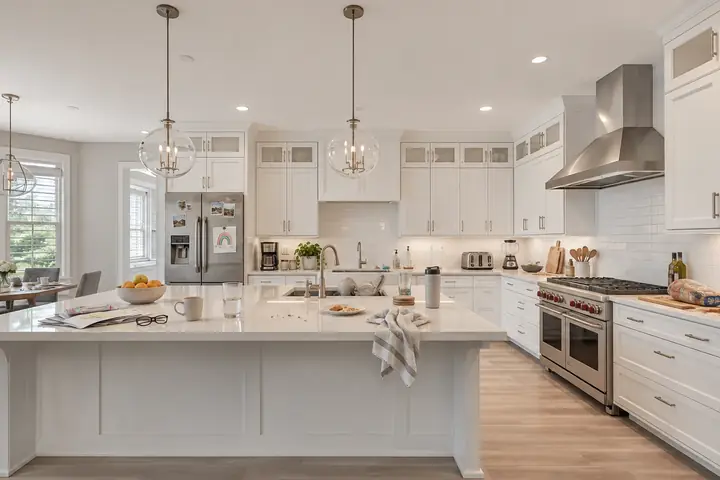
AI-generated illustration of a clean living room (not a CSG job)AI illustration · not a CSG job15% OFF ONE CLEANING
01

Weekly Cleaning

A fresh home every week, with the same base prices by home size and add-ons.

  • Base prices by home size
  • 15% OFF one eligible cleaning of your plan
  • Add-ons available
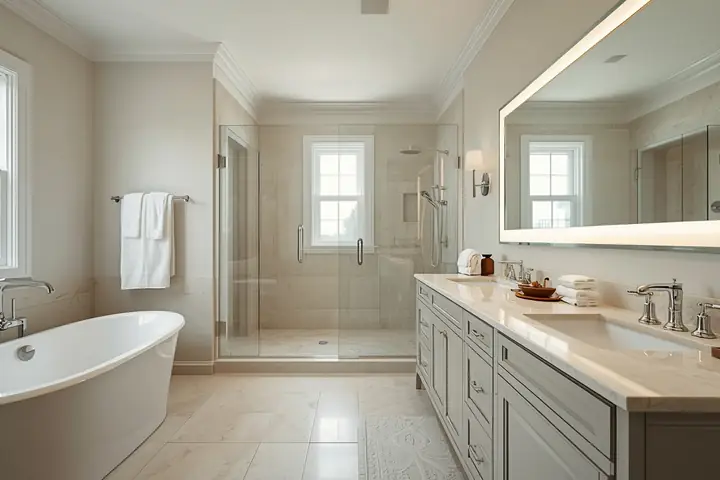
AI-generated illustration of a clean bathroom (not a CSG job)AI illustration · not a CSG job
02

Biweekly Cleaning

Every two weeks, a steady reset for busy homes.

  • Every two weeks
  • Base prices by home size
  • Add-ons available
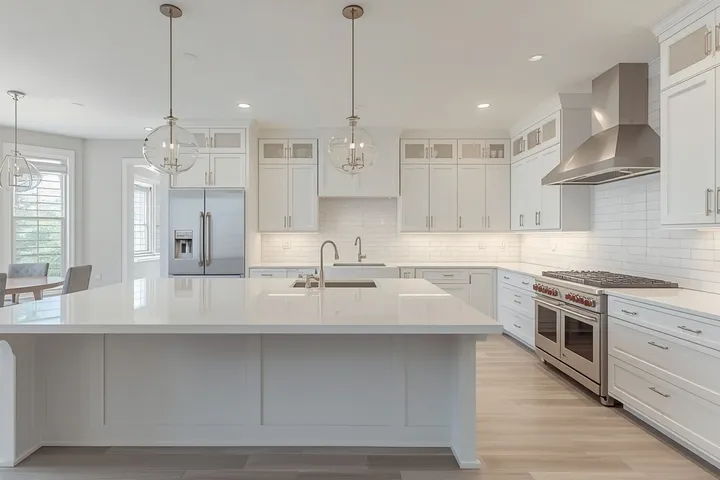
AI-generated illustration of a clean kitchen (not a CSG job)AI illustration · not a CSG job
03

One-Time Cleaning

A single refresh whenever you need it.

  • One visit, no plan
  • Starting prices by home size
  • Add-ons available
AI-generated illustration of a gloved hand cleaning a stovetop (not a CSG job)AI illustration · not a CSG job
04

Deep Cleaning

A closer look before a deeper clean.

  • In-person estimate
  • No fixed price shown
  • Scope reviewed by CSG
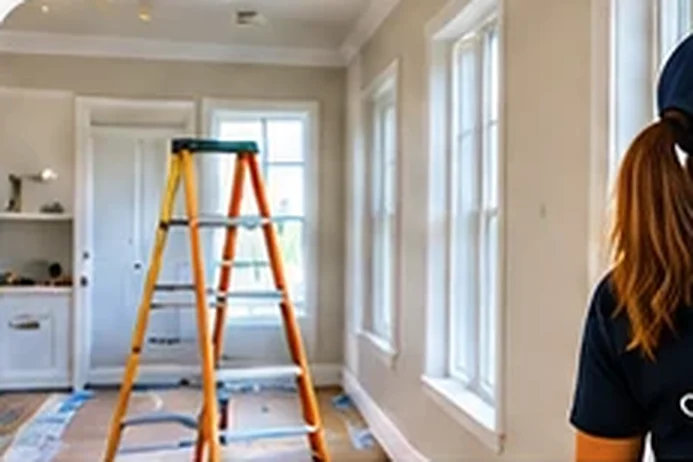
AI-generated illustration of a room after a renovation, with a ladder (not a CSG job)AI illustration · not a CSG job
05

Post-Construction Cleaning

Dust and debris after a renovation or new build.

  • Site review first
  • Custom estimate only
  • Dust and debris focus
AI-generated illustration of cleaning supplies and towels (not a CSG job)AI illustration · not a CSG job
06

Extras & Add-ons

Add the extra touches your home needs.

  • Inside oven $40 · Inside refrigerator $40
  • Interior medium windows $10 each
  • Pet-related extras: request a quote

Photos marked “AI illustration” are not CSG jobs. Approved CSG photos will replace them.

What’s included

Home size & price

Extras & Add-ons

Pets in the home2 or more pets: $10 per pet, pending CSG approval. Not added to the price yet.

Your summary

YOUR SPACE. YOUR STARTING POINT.

Find your home's fresh start.

Choose a size to explore your starting point. These are preliminary prices, with final scope and pricing reviewed by CSG.

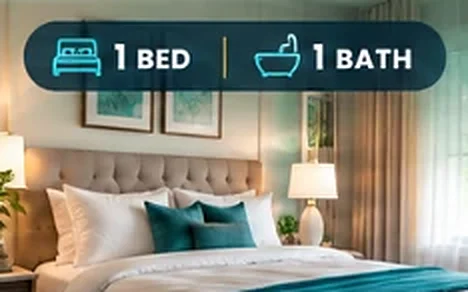
AI-generated illustration of a clean bedroom (not a CSG job)AI illustration · not a CSG job

Cozy Home

1 bed / 1 bath

Starting at$75

BOOK NOW
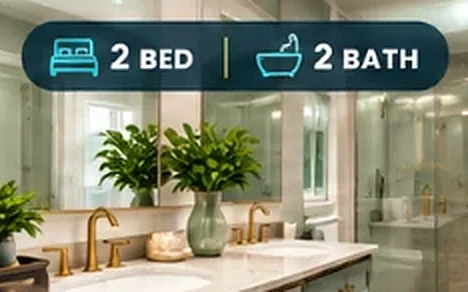
AI-generated illustration of a clean bathroom (not a CSG job)AI illustration · not a CSG job

Comfort Home

2 bed / 2 bath

Starting at$150

BOOK NOW
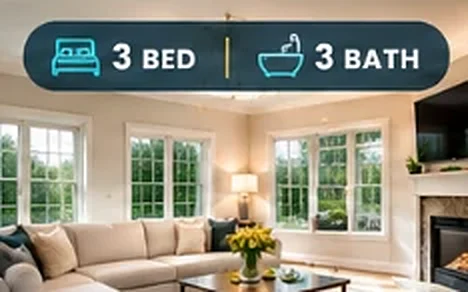
AI-generated illustration of a clean living room (not a CSG job)AI illustration · not a CSG job

Family Home

3 bed / 3 bath

Preliminary range$170–$180

BOOK NOW
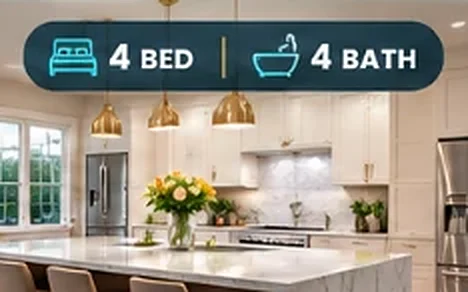
AI-generated illustration of a clean kitchen (not a CSG job)AI illustration · not a CSG job

Spacious Home

4 bed / 4 bath

Preliminary range$180–$195

BOOK NOW

Good to know about these prices

  • Prices are preliminary and not binding. CSG confirms the final scope, price and availability.
  • Weekly, biweekly and one-time cleaning use these base prices. Add-ons are extra.
  • Deep cleaning: in-person estimate or minimum $50/hour; billing basis and minimum duration still require approval.
  • Post-construction cleaning: custom estimate only.
  • Different bedroom/bathroom combination? CSG will review it individually.

What’s Included in Your Cleaning

Proposed checklist, subject to CSG approval before launch. Nothing here is a final promise of scope.

Extras & Add-ons

Extras & Add-ons
BOOK NOW

Online booking is not connected yet: BOOK NOW starts a request that is pending CSG confirmation, not a confirmed reservation.

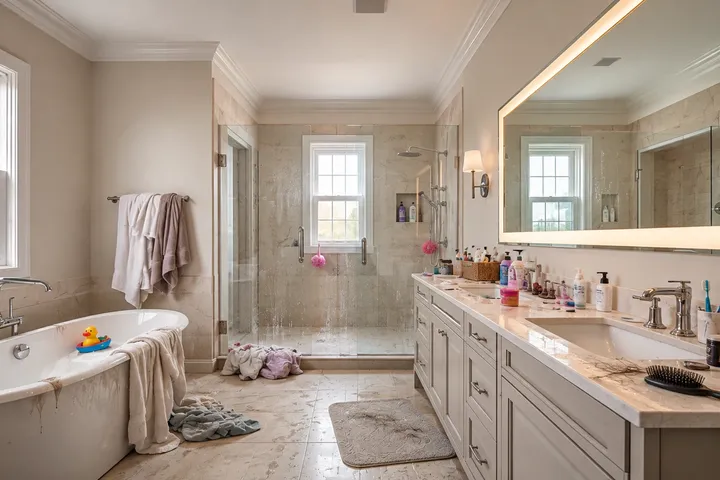
See the before/after gallery below for each type of room.

LESS TO DO. MORE TO ENJOY.

Your fresh start,
one step at a time.

A clear path from your first question to a clean that works for you.

  1. 01

    Tell us about your space

    Explore your home size and the service you need.

  2. 02

    Review the details with CSG

    Confirm the cleaning scope, final price and availability.

  3. 03

    Make room for your day

    Your appointment is booked only after confirmation.

ONE PLACE FOR EVERYTHING

Everything in one place.

New to CSG? Get your free estimate in a minute. Already a client? Your private portal keeps your cleanings in one place.

BY INVITATION

FOR CSG CLIENTS

Client Portal

Your cleanings, estimates and messages with CSG, in one private place.

  • Upcoming cleanings and history
  • Your estimates and requests
  • Messages with the CSG team
PRIVATE · LOGIN

FOR THE CSG OWNER

Owner Dashboard

The business command center, protected by the owner’s own password.

  • Clients, schedule and team
  • Revenue, expenses and profit
  • Messages and follow-ups
FREE · 1 MINUTE

FOR NEW CLIENTS

Get a free estimate

Choose your home size and add-ons for a preliminary price in under a minute.

  • Clear starting prices
  • Add-ons priced upfront
  • Free, no commitment

YOUR PRELIMINARY ESTIMATE

A clean that fits your space.

Choose your service and home size to see your starting price. CSG confirms the final price with you before your visit.

FREE · NO APP STORE NEEDED

Install the CSG app

Add CSG Cleaning Service to your home screen. It opens full screen, like an app, with the same site inside.

iPhone or iPad (Safari)

  1. Make sure this page is open in Safari (the blue compass app).
  2. Tap the Share button: the square with an arrow pointing up (↑), at the bottom of the screen.
  3. Scroll down the list and tap Add to Home Screen.
  4. Tap Add at the top right. The CSG icon appears on your home screen.

Android (Chrome)

  1. Tap the ⋮ menu at the top right.
  2. Tap Install app or Add to Home screen.
  3. Tap Install.

Computer (Chrome or Edge)

  1. Click the install icon at the right end of the address bar.
  2. Click Install.

The Owner area will require the owner’s own sign-in before it is used with client data.